
How to Extend Smartphone Battery Life Effectively
Smartphones have become an integral part of our daily lives, serving as a hub for communication, entertainment, and productivity. However, one common challenge users face is maintaining optimal battery life, which can significantly impact device performance and usability. While smartphone manufacturers are continuously working to improve battery technology, several everyday practices can help users maximize battery longevity. From understanding what depletes battery power to adopting smart charging habits and optimizing settings, users can implement effective strategies to keep their devices running efficiently. This blog uncovers simple, actionable tips that empower you to extend your smartphone’s battery life, ensuring seamless performance throughout the day.
Understand What Drains Your Battery Most
Screen Usage and Brightness Settings
Screen time is often the most significant drain on smartphone batteries. The display is arguably the most power-hungry component, especially with larger and high-resolution screens becoming standard. Brightness settings play a crucial role here; higher brightness levels consume more power. Users can significantly extend battery life by reducing the screen brightness or enabling adaptive brightness settings. This feature automatically adjusts brightness based on ambient light conditions, optimizing power usage without impacting visibility.
Background Apps and Hidden Processes
Many apps continue running in the background even when they are not actively in use, consuming battery power through refreshing content, syncing data, and sending notifications. While some background activity is necessary, excessive processes can lead to significant battery drain. Users should regularly check app settings to limit background activity, close apps that aren’t needed, and disable notifications from less essential applications. Identifying and managing apps that consume excessive power enhances battery life effectively.
Network Connections and Location Services
Constant connectivity can also contribute significantly to battery drain. Network connections such as Wi-Fi, Bluetooth, and mobile data, along with location services, demand consistent power supply to function. Users should consider turning off Wi-Fi and Bluetooth when not in use and setting location services to work only when necessary. Implementing these measures ensures better battery efficiency, allowing phones to conserve power when active connections aren’t needed.
See also: Beginner’s Guide to Using a YouTube to MP3 Convertor
Practical Tips to Extend Smartphone Battery Life
Optimize Display Settings for Better Efficiency
Start by optimizing your display settings. Reducing screen brightness or using adaptive brightness settings can save power. Another helpful practice is reducing screen timeout settings, ensuring the screen turns off quickly when not in use. Additionally, enabling dark mode is another effective way to lower energy consumption, especially on OLED screens that use less power to display darker pixels. Taking these steps helps manage power usage without sacrificing screen usability.
Manage Apps and Reduce Background Activity
Apps can be notorious for draining battery life, particularly if they continuously run in the background. Users should navigate to their phone’s settings and review battery usage statistics to identify which apps consume the most power. Consider closing apps when they’re not needed and restrict background activity through app settings. Disabling unnecessary notifications also helps in reducing power consumption. Managing apps strategically keeps them from unnecessarily draining your phone’s resources.
Use Battery Saver Modes and Smart Features
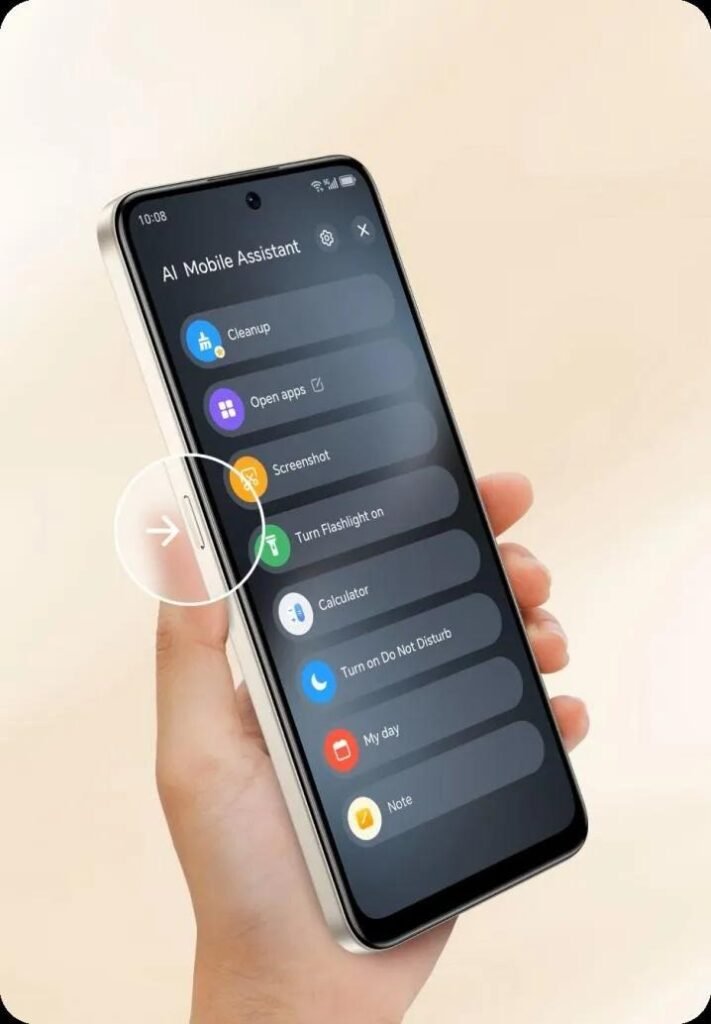
Most modern smartphones come equipped with battery saver modes designed to optimize power use without hugely affecting functionality. These modes often limit background activity, reduce screen brightness, and adjust performance settings to conserve power. Activating these features when the battery is running low can extend usage time significantly. Furthermore, some devices offer smart battery management tools that analyze usage patterns to suggest personalized battery-saving tips, improving longevity.
Smart Charging Habits and Device Choices
Best Charging Practices to Protect Battery Health
Charging practices are paramount in maintaining battery health. Experts suggest keeping battery charge between 20% and 80% rather than allowing it to reach 0% or 100%. Avoid charging overnight to prevent prolonged exposure to high charge levels, which can lead to battery wear. Utilizing chargers and cables from reputable manufacturers ensures stable power supply, and regular checking for any wear on accessories can prevent charging issues.
Choosing Phones with Long-Lasting Batteries (Including HONOR X7d 5G)
When considering a new smartphone, opting for models with robust battery technology is essential. Devices like the HONOR X7d 5G, equipped with long-lasting batteries, provide extended usage without frequent recharge requirements. Prioritizing smartphones with high-capacity batteries and efficient processors ensures seamless performance and extended battery life. Researching and reviewing battery benchmarks before purchasing can inform better choices in terms of sustainability.
Software Updates and Battery Optimization Tools
Regularly updating your phone’s software is critical for battery performance. Updates often include optimizations that enhance efficiency, fix bugs that may lead to battery drain, and improve overall functionality. In addition, many smartphones come with battery optimization tools that automatically adjust settings based on usage patterns. Leveraging these can proactively address common power-consuming issues, ensuring your device remains energy efficient.
Conclusion
Maximizing smartphone battery life involves a combination of understanding what consumes power and implementing strategic habits and settings. By being conscious of screen usage, app management, connection settings, and adopting smart charging practices, users can extend their phone’s operational time effectively. Moreover, considering battery capacity when choosing a new device can make a significant difference in daily usability. With mindful practices and technological assistance, users can expect enhanced peace of mind knowing their device will last longer throughout the day, maintaining optimal performance.